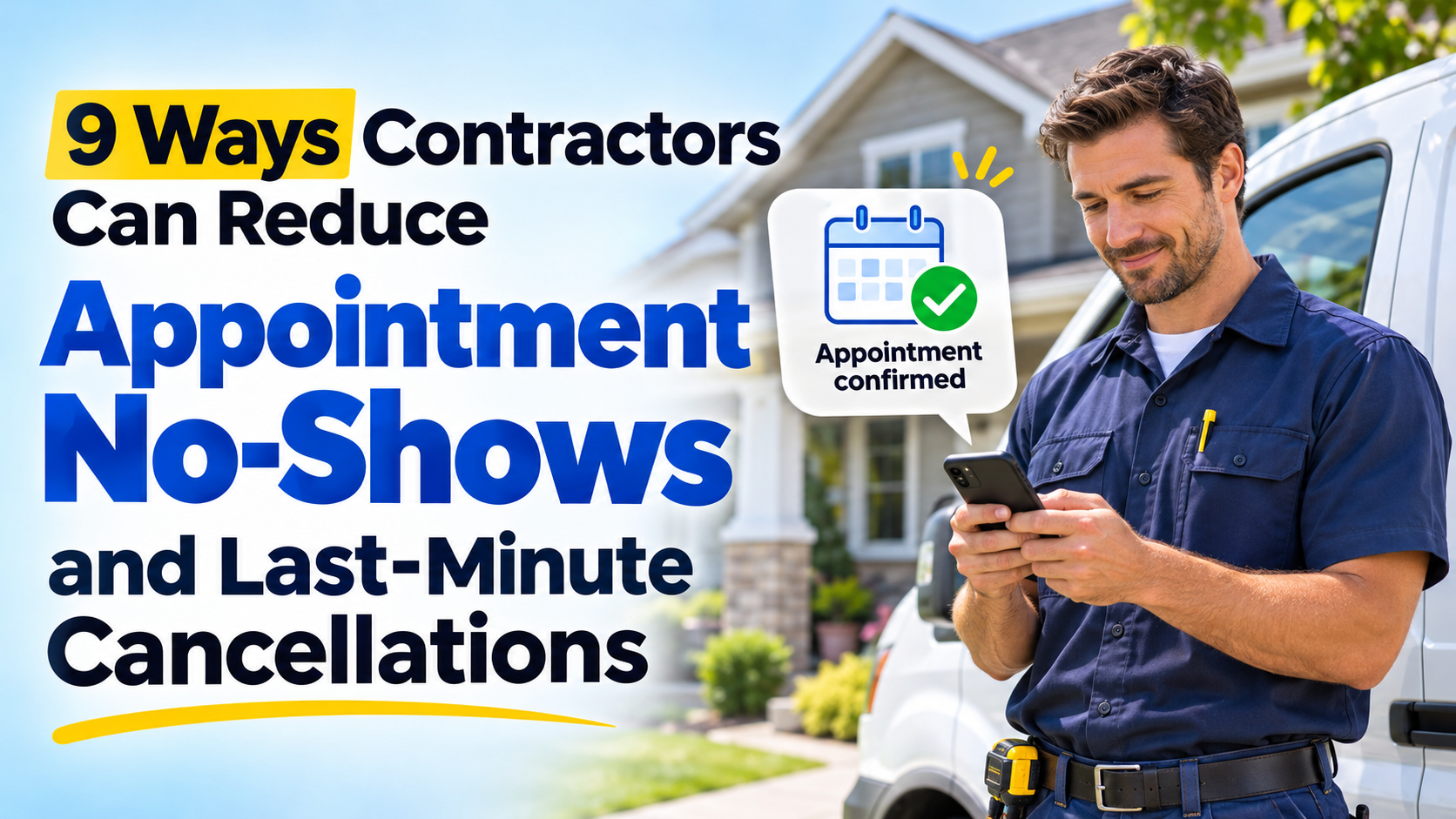
9 Ways Contractors Can Reduce Appointment No-Shows and Last-Minute Cancellations
You book a plumbing service call for Wednesday morning, assign a technician, and leave enough time in the schedule to complete the job. When your technician arrives, the customer is nowhere to be found.
Now you have a truck sitting in a driveway, an employee losing valuable time, and another customer who could have booked that appointment.
Last-minute cancellations create a similar problem. You might find out an hour before a scheduled furnace inspection that the homeowner needs to reschedule. By that point, it can be difficult to find another job in the same area.
Getting more leads is important. Making sure your booked jobs actually happen deserves just as much attention.
If you run a plumbing, HVAC, electrical, landscaping, or other home service business, there are several simple things you can do to reduce these scheduling problems. Many involve improving how you communicate with customers before the appointment and giving your team a clear process for responding when plans change.
Here are nine changes you can start implementing this week.
1. Find out how often appointments are being missed
Before changing your booking process, figure out how big the problem is.
Open your scheduling software or look through last month's calendar. Review the service calls, estimates, maintenance visits, and installations that were booked to take place during that period.
Go through each appointment and record what happened.
| Appointment outcome | What to record |
|---|---|
| Completed | Your team attended and completed the scheduled work or assessment. |
| Cancelled or rescheduled with notice | The customer changed plans before your chosen late-cancellation cutoff. |
| Late cancellation or reschedule | The customer changed plans inside the cutoff, leaving you limited time to fill the appointment. |
| Customer no-show or no access | Your team arrived within the agreed window, but the required customer or property access was unavailable. |
| Business cancellation | Your company cancelled or could not attend as agreed for reasons within its control. |
| Other outcome | Weather or another issue outside either party's control prevented the appointment. |
For an initial audit, you could define a late cancellation as one that happens within 24 hours of the planned appointment time. Use the same definition each week so you can compare the results.
If a customer cancels because your company cannot honour the agreed arrival window, record that as a business-caused change. This helps you identify which part of your operation needs attention.
Record each original scheduled appointment slot once, even when it was cancelled early. When a customer reschedules, record the original appointment as cancelled or rescheduled and record the new slot as a separate scheduled visit when it falls within the period you are measuring.
This is about measuring what happens to your reserved appointment slots. It gives you a clearer picture of how much of your calendar you can actually use.
Imagine that a small service business had 40 appointments booked to take place last week. Four ended in customer no-shows and three were cancelled or moved inside the company's 24-hour cutoff.
Seven appointments were disrupted by those two issues.
Divide seven by 40 and multiply by 100. The business had a combined customer no-show and late cancellation rate of 17.5% for that week.
If two of those seven appointment slots were successfully filled with other jobs, five were still left empty. If an average slot reserved two hours, that represents approximately 10 hours of available service time that the business could have put to better use.
Keep track of the hours you actually recovered, too. A cancellation that you refill with a completed repair has a very different financial impact from one that leaves a technician without work for the afternoon.
You can start with a spreadsheet that contains the following information.
- Appointment ID and original date.
- Service type and assigned technician.
- Arrival time or window.
- Whether a confirmation and reminder were sent.
- Final appointment outcome.
- Reason for cancellation or failed access, if known.
- Whether the opening was filled and how much time was recovered.
After reviewing a few weeks, look for patterns. You might discover that missed appointments happen most often on Monday mornings, that estimates booked more than a week in advance are frequently rescheduled, or that apartment visits regularly fail because access details are missing.
Those patterns will tell you where to focus first.
2. Make your booking process more specific
A good appointment starts before it ever appears in your calendar.
Customers sometimes misunderstand what they have scheduled. They may expect a free estimate when you booked a paid diagnostic visit. They may think your technician will arrive at 9 a.m. when the appointment actually has a two-hour arrival window.
These details can cause customers to cancel or leave the property shortly before you arrive.
Give whoever handles your bookings a short list of questions to work through on every call.
- What type of work does the customer need?
- Where is the property located?
- Is the address within your normal service area?
- Is the visit an estimate, inspection, repair, maintenance appointment, or installation?
- Who will be available to provide access and approve the work, if necessary?
- Are there any known access restrictions, pets, parking issues, or building requirements?
- What appointment window works for the customer?
- Which phone number or email address should you use for appointment updates?
The person booking the job should also explain any regular service or diagnostic fee that applies and what the visit includes. Give customers this information before they agree to the appointment so they have an opportunity to ask questions.
An HVAC company could use a booking script like this.
We can schedule your furnace diagnostic for Thursday between 10 a.m. and noon. The diagnostic visit costs [amount] and includes [what is included]. Will someone be available during that window to let the technician in and discuss the issue?
Great. What is the best number for us to send your appointment details and arrival updates?
The exact wording will depend on your business. The important thing is to make sure both sides understand the appointment.
If the customer says they need to pick up their child at 11 a.m., offer a window that works with their schedule. You may prevent a missed visit before the appointment is even booked.
Take another look at your own arrival windows. If you routinely run behind because estimates take longer than expected or because technicians travel across town between appointments, allow more time between jobs. Build the schedule around realistic travel and service durations.
A realistic arrival window makes it much easier for the customer to be available when your technician gets there.
3. Send a written confirmation right after every booking
Someone can agree to an appointment during a phone call and forget the exact date an hour later. They might be at work, getting their kids ready for school, or dealing with the home service issue that prompted them to call you in the first place.
Give them a written record they can refer to.
Your appointment confirmation should go out as soon as the booking is finalized, using the communication channel the customer has provided for appointment updates.
Include the business name, service, date, arrival window, property information necessary for the visit, and an easy way to contact your office if their plans change. Include any previously agreed visit fee or important preparation instructions where relevant.
Text message confirmation template
Hi [First Name], it's [Business Name]. Your [Service] appointment is booked for [Day, Date] between [Start Time] and [End Time].
We'll be visiting [Property Address]. If you need to make a change, reply here or call us at [Phone Number]. Thanks!
Use a messaging number that accepts replies if you invite customers to respond by text.
Email confirmation template
Email subject:
Your [Business Name] appointment is confirmed
Hi [First Name],
Your [Service] appointment is confirmed for [Day, Date], between [Start Time] and [End Time].
Property address
[Property Address]
Before your appointment, please [relevant access or preparation instructions].
[Previously agreed visit fee and what it includes, if applicable]
If you need to reschedule or have any questions, contact us at [Phone Number] or reply to this email.
Thanks,
[Business Name]
Remove any unnecessary sections before sending the message. A basic estimate may require very little information. A window cleaning appointment at a condo building might require parking instructions and confirmation that someone will be able to provide access.
Try booking a test appointment using your own phone number and email address. Read the confirmation as a customer would. Make sure the date, time, contact details, and service are correct.
A confirmation only works when the information reflects the actual appointment. Make sure changes to the scheduled time or assigned visit are also reflected in the messages your customer receives.
Keep appointment communications focused on the service the customer booked and use the channels you are permitted to use. In Canada, promotional commercial emails and text messages are subject to Canada's Anti-Spam Legislation, including applicable consent, identification, and unsubscribe requirements. Check the rules that apply to your business and the content of your messages. See the CRTC's guidance on commercial electronic messages.
4. Send a reminder early enough for customers to change plans
An appointment reminder gives your customer a chance to make arrangements before your technician is already driving to their house.
The timing matters. Finding out the evening before that a customer needs to reschedule gives you more time to adjust the following day's route than finding out after your truck pulls up.
Start with this simple schedule.
| When | What to send |
|---|---|
| At booking | A written confirmation with the full appointment details. |
| About 24 to 48 hours before the visit | A short reminder with the arrival window and an easy way to confirm or reschedule. |
| On the day of the visit | A useful arrival update when your technician has a reliable estimate of when they will get there. |
For same-day service calls, combine the confirmation and any relevant arrival update. For larger installations booked weeks or months ahead, a check-in several days before the work starts can give you and the homeowner time to confirm preparation, materials, access, and other requirements.
Appointment reminder text template
Hi [First Name], just a quick reminder from [Business Name] about your [Service] appointment tomorrow between [Start Time] and [End Time].
Please reply to confirm you're available, or let us know if you need to make a change. Thank you!
You can adjust the language based on how your team handles appointment confirmations. Some businesses simply send the reminder and give customers a way to reschedule. Others need a response before dispatching a crew because property access must be arranged in advance.
Create a process for appointments that receive no reply. Many customers read a text, see the correct time, and continue with their day. Silence alone gives you limited information about whether they will be available.
If the visit requires an arranged key handover, approved building access, or confirmation that someone can authorize work, have someone from the office follow up before sending the technician. Explain any requirement for final confirmation when the customer originally books.
During your morning scheduling review, check whether any important appointment information is outstanding. Resolve those details before the crew heads out.
5. Notify customers when your technician is on the way
A customer may agree to a two-hour arrival window but still have a busy day. They might be working from home, running an errand, or coordinating access with someone else.
A message when your technician is heading toward the property gives them a much clearer idea of when they should be available.
On-the-way text template
Hi [First Name], it's [Technician Name] from [Business Name]. I'm heading to your property for your [Service] appointment and expect to arrive in about [Number] minutes. Please contact our office at [Phone Number] if anything has changed.
Send this when you have a reasonable estimate based on the actual route. Your office or dispatch software can handle the update so technicians can focus on their work and avoid using their phones while driving.
You also need a plan for delays.
Suppose a plumber is finishing a repair that was expected to take 45 minutes but now requires an additional hour. The next customer has already set aside part of their morning to meet that technician.
Contact the next customer as soon as you have a reliable revised arrival estimate.
Delay notification template
Hi [First Name], it's [Business Name]. Our technician's previous job is taking a little longer than expected. We currently expect to arrive between [New Arrival Window]. Does that still work for you? If you need to adjust the appointment, we're happy to help find another time.
Give your customers time to make a decision. If they cannot meet the technician during the revised window, offer the next suitable appointment and update your calendar immediately.
Track these occurrences as well. If appointments regularly fall through because your company runs late, look at the number of jobs you assign each technician, the types of work being scheduled, and the distances between service calls.
Grouping appointments geographically can make arrival times easier to manage. It can also make it easier to fill an unexpected opening with another job in the area.
Good communication before arrival helps preserve the customer's trust. That matters when they later decide whether to use your company again or recommend you to someone else.
6. Make rescheduling and cancellation terms clear
Sometimes a customer genuinely needs to change an appointment. Their work schedule changes, a family situation comes up, or the home becomes inaccessible on the day of the visit.
Giving them a straightforward way to tell you helps your business deal with the change earlier.
Put the rescheduling instructions in the booking confirmation. If your customers can reply to a text, call your office, or use an online rescheduling link, explain which options are available.
For many contractors, a simple policy is enough.
We ask that you contact us at least 24 hours before your appointment if you need to cancel or reschedule. This helps us offer the appointment to another customer and plan our technicians' schedules.
Some businesses have significant costs associated with reserved appointments. A crew may need to load equipment, order project-specific materials, or reserve an entire day for an installation.
If you use cancellation fees, deposits, or other booking terms, disclose the actual amounts and conditions clearly before the customer agrees to book. Explain what happens if the customer reschedules, if your business has to cancel, or if weather prevents the work from being completed. Verify that your approach complies with the consumer protection and contract requirements that apply where you operate.
For ordinary service calls, consider whether simplifying the booking and reminder process could solve many of your problems first. Charging a fee introduces extra administration and can affect the customer relationship. The right approach will depend on your work, costs, and the reasons appointments are being missed.
Train employees to handle rescheduling consistently. An office employee should be able to explain the existing policy, offer the next available opening, confirm the new date, and update the original appointment status.
Most importantly, make it easy to reach your office. A customer who is trying to notify you that they cannot be home should have a practical way of getting that message through.
7. Keep a short list of customers who can take earlier appointments
Even with a strong booking and reminder process, you will have occasional openings in your schedule.
Create a list of customers who are already interested in your services and have indicated they would welcome an earlier appointment if one becomes available.
Your list might include people who already have routine maintenance booked for the following week, homeowners waiting for a minor repair, or customers who have requested an estimate and have flexible schedules.
When customers book a service, you can ask a simple question.
We have you booked for next Tuesday. Would you like us to contact you if an earlier appointment opens up in your area?
When they agree, record their preferred days, general location, required service, and contact preference.
If a technician's Thursday morning appointment is cancelled, check the list for a customer with a suitable job who lives near the technician's route.
Earlier appointment availability text template
Hi [First Name], it's [Business Name]. We have an earlier opening for your [Service] on Thursday between 10 a.m. and noon. Would that work for you? Your existing appointment is still booked if you prefer to keep it.
Only offer an appointment your team can actually accommodate. Make sure the opening is long enough for the expected work and that the technician has the right skills and any necessary equipment.
When the customer accepts, move their appointment in the calendar, send a new confirmation, and update the availability list. If multiple customers are interested in one opening, coordinate the responses carefully to avoid double-booking.
The benefit of this process is that you already have people to contact when an unexpected opening appears. A dispatcher can work through a few suitable bookings quickly, helping your team spend more time completing actual jobs.
If your business frequently has unfilled gaps between service calls, our guide on turning missed calls into more booked jobs can also help you bring more qualified enquiries into the scheduling process.
8. Give technicians a clear process for dealing with no-shows
Imagine that a technician arrives at a house, rings the doorbell, and discovers that nobody is home.
What should they do?
Without a set process, one technician might wait for 30 minutes, while another might immediately drive away. Your office may have no idea what happened until the end of the day.
Create a short failed-access procedure for your team.
- Verify the appointment time, service address, and any authorized access instructions.
- Contact the customer through the agreed phone or messaging channel.
- Notify the office or dispatcher.
- Wait for the reasonable period specified in your company's procedure.
- If the customer is unavailable after that period, document the outcome and coordinate the next appointment with the office.
Keep property access within what the homeowner or authorized contact has permitted. Where a visit requires someone to provide access, arrange a new time if that person is unavailable.
Missed appointment text template
Hi [First Name], this is [Business Name]. Our technician is at the scheduled address for your appointment but hasn't been able to reach you. Please call us at [Phone Number] if you're available.
If the appointment has to be released, the office can send another brief message.
Hi [First Name], we weren't able to complete your scheduled visit today because we couldn't arrange access. Please contact us if you'd like to find another appointment time.
Use straightforward language. There's often an ordinary explanation for a missed appointment, and a respectful conversation can still lead to the work being completed.
If the same problem happens repeatedly, investigate the reason before accepting another booking. A landlord may need to coordinate with a tenant, a property manager may need to arrange a key, or a homeowner may have had trouble receiving your appointment reminders.
Fix the source of the problem during the next booking conversation. That gives your crew a better chance of arriving at a property where they can begin work.
9. Review your results every week and improve the process
You can put all of these changes into place without redesigning your entire business.
Start by assigning responsibility. Someone needs to ensure the bookings have the correct information, reminders are being sent, appointment changes are being recorded, and technicians have the latest schedules.
If you're a solo contractor, make this part of your daily routine. If you have an office employee or dispatcher, give that person a checklist.
End-of-day checklist
- Review the next working day's appointments.
- Check the service details and property access information.
- Resolve outstanding confirmation requirements.
- Verify that the reminders have the correct dates and arrival windows.
- Review any cancellation openings that could be filled.
- Confirm that technicians have the most recent route and job details.
This review may take just a few minutes for a small business. It can reveal problems before your technicians leave for their first job the next morning.
Many scheduling and field service software platforms support appointment confirmations, reminders, and updates. Check what your existing software can do before introducing a new platform. Test the entire workflow, including appointment changes, so customers receive the correct information.
Review the previous week's numbers every Monday.
| Metric | What to check |
|---|---|
| Total scheduled appointment slots | How many visits were booked to take place during the week. |
| Customer no-shows | How often the team couldn't complete a visit because the customer or required access was unavailable. |
| Late cancellations | How many customers cancelled or rescheduled inside your defined cutoff. |
| Successfully refilled openings | How many disrupted slots were used for another completed appointment. |
| Business-caused cancellations | How often the schedule failed for reasons within your company's control. |
Use the same definitions from step one. Divide the combined count of no-shows and late cancellations by the total original scheduled slots to compare your rate from week to week.
Suppose you start with the 17.5% rate in the earlier example. After introducing better confirmations and reminders, you record 16 no-shows and late cancellations across 160 scheduled appointment slots over the next four weeks. That gives you a combined rate of 10%. Check the actual counts as well, especially if the number of booked appointments varies.
Look for a sustained improvement across comparable periods. Different job types, weather conditions, and seasonal demand can all affect results.
You can also ask technicians what they are seeing in the field. They may point out that certain jobs need narrower windows, that customers misunderstand a diagnostic appointment, or that a particular building frequently has access issues.
Use what you learn to improve the process. If an issue keeps appearing, add one question to the booking script or one step to the daily scheduling checklist that addresses it.
Put these changes into practice this week
Here is a straightforward five-day implementation plan for a contractor who wants to get started.
Monday. Review last month's appointment records and calculate how many ended in no-shows or late cancellations.
Tuesday. Update your booking questions and make sure your office explains the appointment type, arrival window, and any applicable charges.
Wednesday. Set up your written confirmation and appointment reminder templates. Test them using your own contact details.
Thursday. Establish your technician arrival and failed-access procedures. Start asking interested customers whether they would welcome an earlier opening.
Friday. Review the next week's calendar, check whether any bookings are missing information, and schedule a 15-minute weekly appointment performance review.
Once your team completes an appointment, close out the work properly. Confirm the customer's understanding of what was done, explain any next steps, and give them an opportunity to share honest feedback about their experience.
A dependable process for handling the entire booking, service, and handover experience helps build the reputation your business relies on for future jobs. ReviewCatch helps contractors collect that feedback by automatically sending personalized Google review requests to their customers through text and email after completed jobs.
If you want to turn more of those completed visits into future bookings, read our guide on seven ways to turn one-time jobs into repeat customers.
Start by opening tomorrow's calendar and looking at every appointment your technicians are expected to attend. Check that each customer knows when you're coming, what they've booked, and how to get in touch if their plans change. Then make that review part of your normal workday.
Ready to Automate Your Google Reviews?
ReviewCatch automatically sends personalized review requests by text and email after completed jobs, handles polite follow-ups, and helps you win more 5-star reviews on autopilot.