How Contractors Can Get More Google Reviews: A Step-by-Step Guide
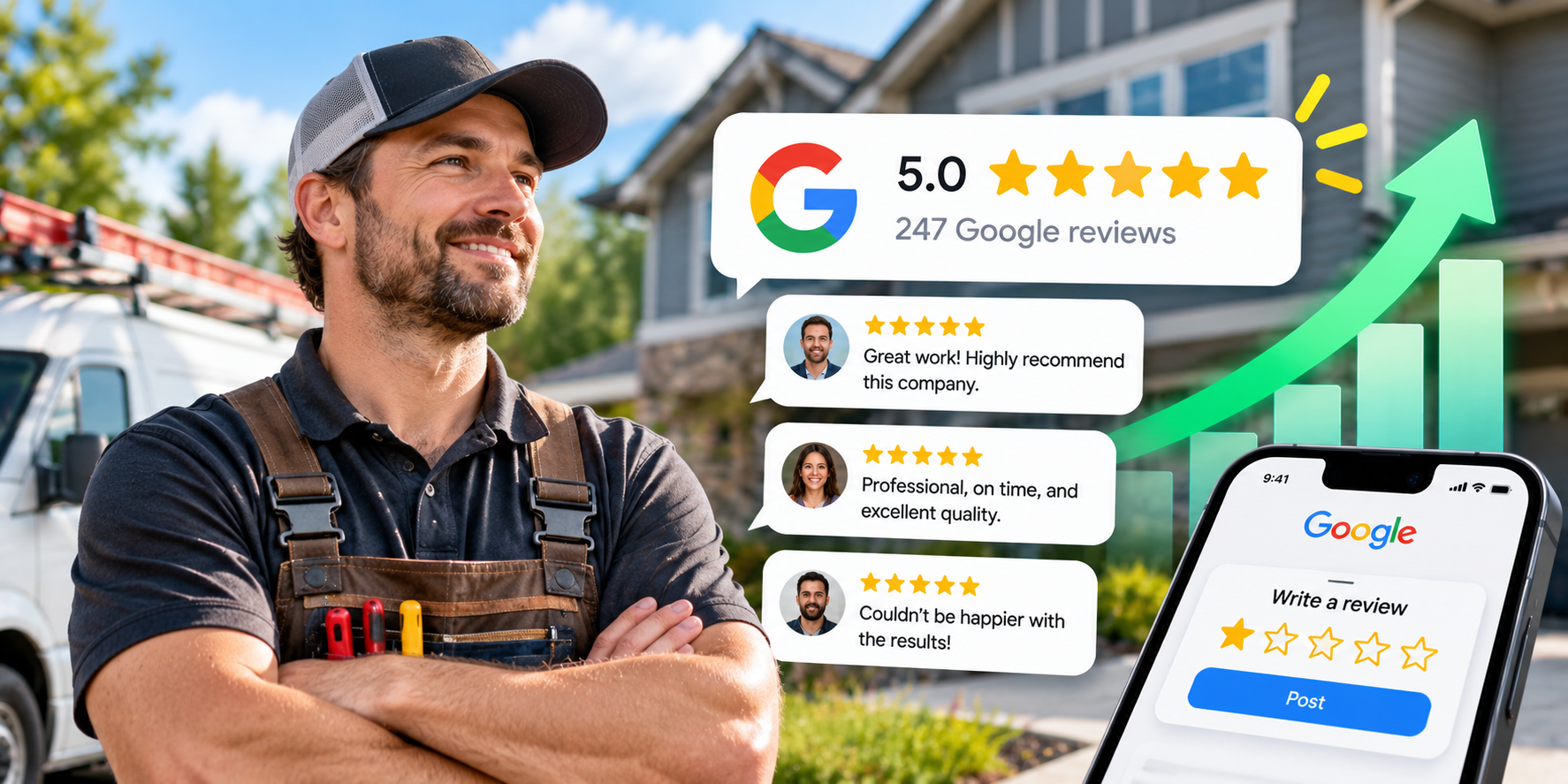
For contractors, Google reviews can have a direct effect on whether someone calls you or keeps scrolling.
A homeowner searching for a plumber, roofer, HVAC company, electrician, painter, or landscaper may compare several businesses within a few minutes.
They'll often look at:
- Your star rating
- How many reviews you have
- How recent those reviews are
- What customers say about the work
- Whether you respond to reviews
- How your profile compares with nearby contractors
Google also says that more reviews and positive ratings can help a business's local ranking, making reviews relevant for visibility as well as trust (support.google.com).
The good news is that contractors usually have plenty of natural opportunities to ask for reviews. The key is building the request into the job process instead of relying on someone to remember.
Start With a Complete Google Business Profile
Before focusing on reviews, make sure the profile they're being posted to is worth finding. Google says complete, accurate profiles appear more often in local search (support.google.com).
Service-area businesses should accurately reflect areas they actually serve (guidelines).
Decide Exactly When Customers Should Be Asked
Inconsistency kills review growth. Choose a standard point in the job process rather than relying on memory:
Use Google's Direct Review Link
Google lets businesses generate a direct review link or QR code specifically for customer follow-ups (support.google.com). Send customers straight to the form:
Keep the Message Short and Natural
Avoid stiff, corporate phrases. Speak like a real person to a homeowner:
Train Technicians to Set Up the Request, Not Pressure Customers
Techs shouldn't stand awkwardly while a customer rates them. Give them one casual closing line:
Ask for Honest Feedback, Not Five Stars
Google prohibits incentives (discounts, gifts) in exchange for reviews (policies). Honest customer feedback builds durable authority.
Add the Services You Actually Perform
Google may prompt reviewers with checkboxes for specific jobs performed (support.google.com). Keep your Services list accurate so Google ties reviews directly to your key offerings.
Send One Reminder, Then Stop
Send it 2–3 days after the initial request. Never chase customers with endless follow-ups.
Use QR Codes in the Right Places
Official Google QR codes (support.google.com) work best on printed invoices, leave-behind folders, and completion cards when the customer is already reviewing paperwork.
Respond to the Reviews You Receive
Replying proves your business is active and accountable (support.google.com). Thank positive reviewers specifically; handle negative complaints professionally and take resolution offline.
Look for Patterns in Customer Feedback
Read reviews from the last 30 days and answer: What did customers praise repeatedly? What complaints appeared more than once? Use that feedback to polish operations (task feedback).
Track Review Growth Every Month
Reviews received ÷ requests sent × 100
Example: 16 reviews ÷ 80 requests sent = 20% conversion
A Simple Contractor Review System
Google confirms reviews help businesses stand out and contribute to local ranking (support.google.com). Build the process once, ask consistently after every completed job, and let authentic customer experiences compound over time.