How to Ask Past Customers for Google Reviews
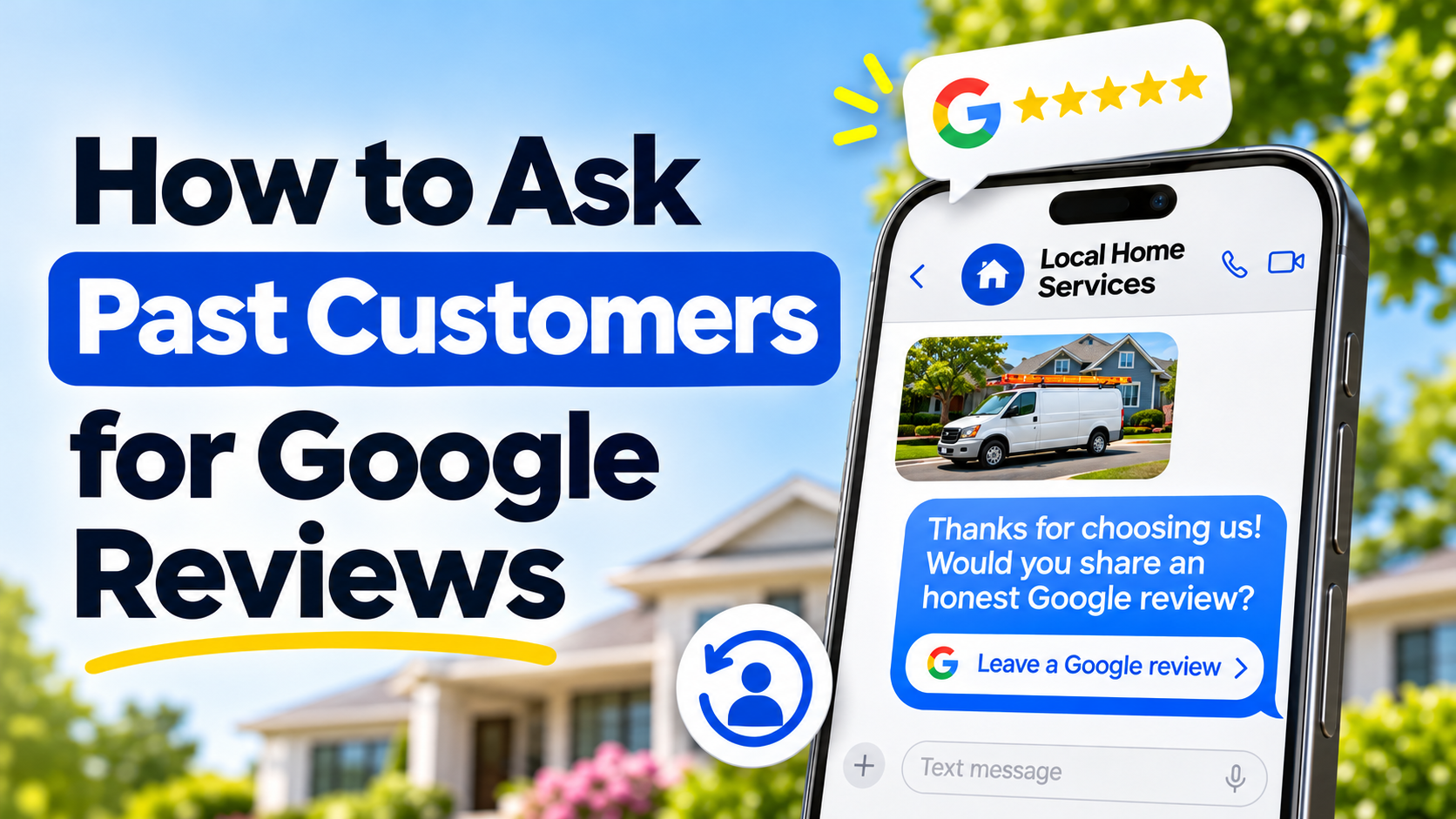
Your next Google review could come from someone you served months ago.
Past customers already have experience with your business. If you never invited them to leave a review, you can give them a convenient opportunity to share that experience now.
The approach is straightforward: contact eligible customers, remind them of the work you completed, and include a direct review link.
Here is how to turn that into a practical campaign, with messages you can adapt.
1. Build a clean list of past customers
Start with your CRM, invoicing software, booking system, or customer spreadsheet.
Choose a manageable period, such as the past three to six months. That is a practical starting point because the work may still be easy to remember, rather than a Google requirement.
For each customer, gather:
- First name.
- Email address or mobile number.
- Service or job completion date.
- A short description of the work.
- The business location that served them.
- Contact permission and opt-out records.
- Any previous review request or known review.
You can run a campaign using email, SMS, or both. You do not need both contact details for every customer.
Remove duplicates, incorrect contact details, and anyone who has opted out. Where you can identify customers who already reviewed you, avoid sending them another request for a new review.
Choose recipients using consistent criteria, such as completed work within your chosen period. Include eligible customers regardless of whether you expect positive or negative feedback.
Google prohibits selectively soliciting positive reviews and offering incentives in exchange for reviews.
Source: Google Maps review policies
2. Check that you can contact them
Having an old customer list does not automatically give you ongoing permission to send every type of message.
Check the email and SMS rules that apply to your campaign and retain records of the permission you rely on.
For Canadian businesses, commercial electronic messages generally require consent, sender identification, and an unsubscribe mechanism under CASL. Implied consent can expire, so an old purchase alone should not be treated as indefinite permission.
Source: CRTC guidance on consent
Keep opt-out records connected to your list when moving it between systems. Use templates with the sender details and working unsubscribe options appropriate to your channel.
3. Get your direct Google review link
Make it easy for customers to reach the correct review page.
Google lets you copy a review link from your Business Profile. Open your profile, select Read Reviews, then Get more reviews, and copy the link.
If you have multiple locations, use the link for the location that served that customer.
Source: Google’s review link instructions
Test the link on your phone before sending it. Customers must sign into a Google Account to leave a review, so account access can still be an extra step.
Source: Google’s review guidance
4. Remind the customer who you are
A message about a job completed months ago needs enough context to be recognizable.
Include your business name and a brief reference to the service or timing. Use details from your records accurately. A request about last spring’s landscaping work should sound like a follow-up about last spring.
Keep the message focused on one action: sharing an honest review.
Avoid adding a sales offer, referral request, or several links. The customer should immediately understand why you are contacting them.
SMS template
Hi [First Name], it’s [Name] from [Business Name]. We completed your [Service] in [Month]. Would you be willing to share an honest Google review about your experience? Here’s the link: [Review Link]. Thanks for your time. Reply STOP to opt out.
Use the STOP instruction only with a messaging setup that processes those replies.
Email template
Subject: A quick request from [Business Name]
Hi [First Name],
Thanks again for choosing [Business Name] for your [Service] in [Month].
We’re inviting past customers to share their experience on Google. If you’re willing, we’d appreciate an honest review.
Leave a review here: [Review Link]
Thanks for your time and for choosing our business.
[Name]
[Business Name]
[Business contact details]
[Unsubscribe link]
Template for an older job
Hi [First Name], it’s [Name] from [Business Name]. We worked on your [Project] last [Season/Year]. If you remember the experience and would like to share it, we’d welcome an honest Google review: [Review Link]. Thank you. Reply STOP to opt out.
You do not need a long explanation for why you are asking now. A clear introduction and an optional invitation are enough.
5. Start with a manageable group
Begin with a group small enough that you can check delivery and handle replies.
This gives you an opportunity to catch incorrect names, broken links, outdated numbers, or confusing wording before expanding the campaign.
Review questions customers send back. If several people do not recognize the business, add clearer context. If messages fail to arrive, check your contact data and sending setup.
Work through the remaining eligible customers in a controlled schedule that your business can manage.
6. Send a limited, polite follow-up
Some customers will forget or put the request aside. One reminder several days later is a reasonable starting point to test.
For example:
Hi [First Name], a quick follow-up from [Business Name]. If you’d like to share a Google review about your [Service], here’s the link again: [Review Link]. If you’ve already reviewed us, thank you. Reply STOP to opt out.
Stop follow-ups when you know someone has reviewed, declined, or opted out.
Keep the invitation voluntary. Avoid guilt, repeated chasing, or asking customers to select a particular star rating.
7. Measure results and keep the process going
Track requests delivered, delivery failures, new reviews, customer replies, and opt-outs.
A link click does not confirm that someone published a review. Treat it as a sign of interest while checking actual review activity separately.
Use what you learn to improve the next group of messages.
Then make review invitations part of your process for newly completed jobs. Your past-customer campaign gives you a starting point, while ongoing requests help you keep collecting feedback as you serve more customers.
Reach past customers with ReviewCatch
ReviewCatch’s Review Reactivation feature helps you request reviews from your existing customer base. Personalized SMS and email requests, with follow-ups, make it easier to run a consistent campaign.
Bring your eligible customer list and give past customers a convenient way to share their experience.