Why Customers Say They’ll Leave a Review, Then Never Do
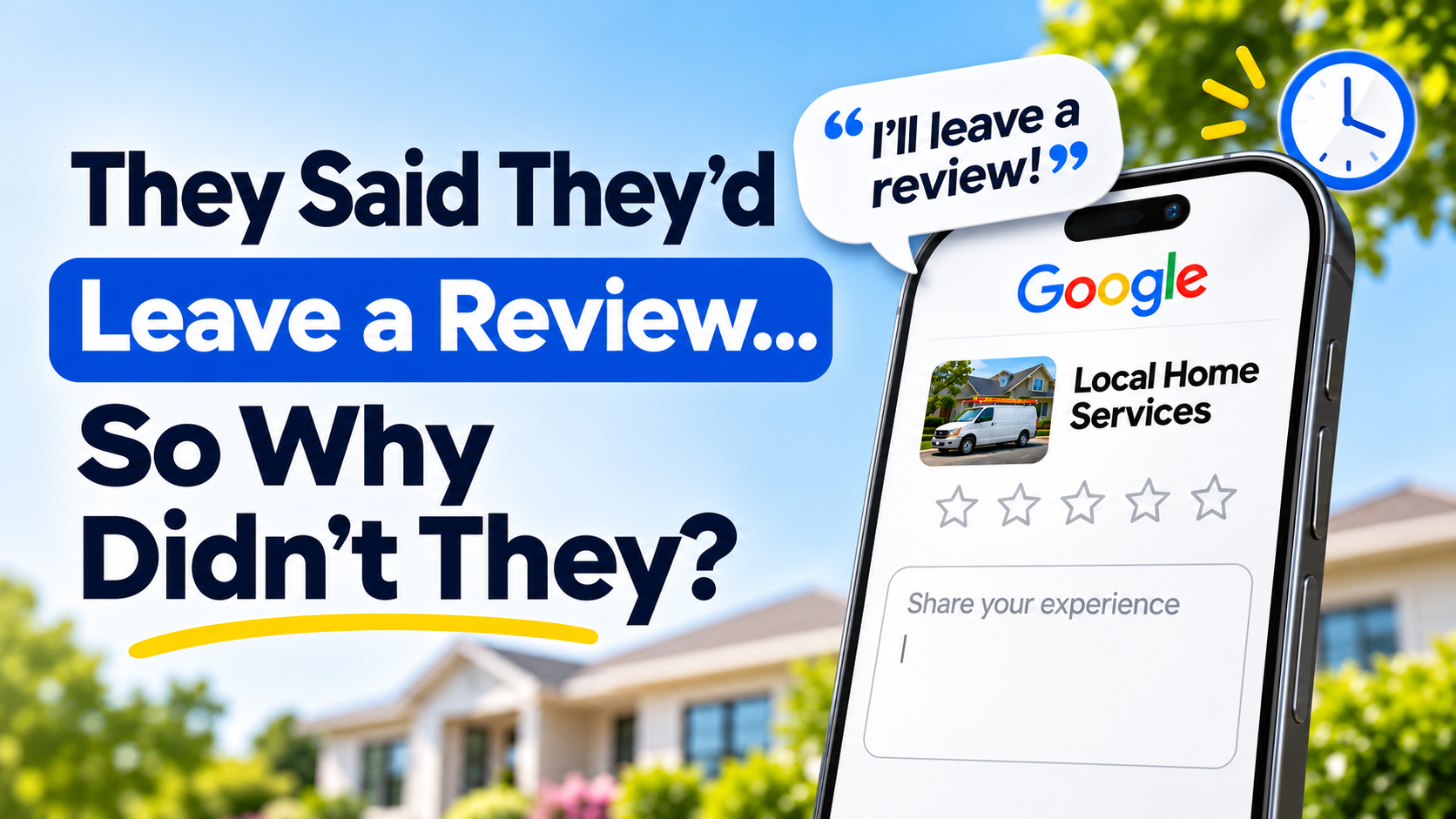
You finish a job. The customer thanks you, says they are happy with the work, and agrees to leave a Google review. A week later, nothing has appeared.
It can feel frustrating, especially when you know you delivered good service. But a customer can appreciate your work and still never publish a review.
They may forget, get distracted, struggle with the link, or decide to do it later. Some may have agreed simply because saying yes felt easier in the moment.
Understanding those possibilities helps you build a review process that is convenient, consistent, and respectful.
1. They forget once everyday life takes over
When you ask for a review, the customer might fully intend to write one. Then a phone call comes in, dinner needs making, or another task takes priority.
A verbal request leaves them responsible for remembering your business, finding the listing, and completing the review later.
What to change: Follow up with a short message containing your direct Google review link. That gives the customer something they can return to when they have time.
For example:
Hi Sarah, thanks for choosing [Business Name] for your plumbing repair today. Would you be willing to leave an honest Google review about your experience? Here’s the link: [Review Link]. Thanks for your time.
Keep the message focused on that one request.
2. Finding the right place takes too much effort
“Just look us up on Google” creates extra steps.
The customer has to search for your business, identify the correct listing, find the review section, and work out where to begin. If your business has a similar name to another company or several locations, that can add confusion.
What to change: Send a direct review link for the correct business location.
Google provides a review link you can copy from your Business Profile and share with customers. Open it on your phone before sending it to make sure it leads to the intended listing.
Source: Google’s review link guidance
Make the next step obvious. Avoid surrounding the link with a promotion, referral request, or several other things to do.
3. The request arrives at an inconvenient time
A customer dealing with an emergency repair may be focused on getting their home back to normal. Someone having a roof replaced may want to see the completed work and cleanup before commenting.
Sending a request before the service is finished can also create confusion.
What to change: Choose a point when the work is complete and the customer has had a reasonable opportunity to experience it.
For a straightforward service call, a message later that day could be a sensible starting point. A larger installation or project may call for more time.
These are starting points to test, rather than universal rules. Use the type of work and customer feedback to guide your timing.
4. They overthink what they should write
The customer opens the review page and sees a blank text box.
They may wonder whether their review needs to be detailed or polished. A small task starts to feel like something they should come back to when they can give it more attention.
What to change: Keep your invitation simple and ask them to share their honest experience in their own words.
You could say:
If you’d like to share your experience, a brief review in your own words is welcome.
Give customers room to decide what to say. Google allows businesses to request genuine reviews, but its policies prohibit requesting specific review content or attempting to influence the rating.
Source: Google Maps review policies
5. They run into a sign-in problem
A review link can work correctly while the customer still has trouble completing the process.
Google requires customers to be signed into a Google Account to leave a review. Someone who is signed out, cannot remember their password, or is unfamiliar with the process may stop there.
A Google Account can use a non-Gmail email address, so customers do not necessarily need a Gmail address.
Source: Google’s review guidance
What to change: If a customer asks for help, explain the sign-in requirement briefly. Let them complete the review themselves, on their own device and account.
Avoid promising that every review takes only a few seconds. The process may take longer for someone who needs to sign in first.
6. They agreed out of politeness
Some customers feel uncomfortable declining a request face to face.
Others prefer to keep their opinions private or simply have little interest in posting online reviews.
Their agreement does not guarantee that they will follow through.
What to change: Make the invitation optional and keep the pressure low.
Thank them for considering it. If they decline or ask you to stop, respect that decision.
A review request should leave the customer free to choose whether to participate and what to say.
A polite reminder can give them another opportunity
When a customer has forgotten or been interrupted, a reminder puts the link back within reach.
Start with one short follow-up several days after the original request. Treat that timing as a starting point to evaluate.
For example:
Hi Sarah, a quick follow-up from [Business Name]. If you’d like to share a Google review about your recent service, here’s the link again: [Review Link]. If you’ve already reviewed us, thank you.
Use contact details you have permission to message and respect opt-outs. Stop following up when you know someone has reviewed, declined, or asked not to receive more messages.
Keep the wording neutral. “You promised us a review” turns a voluntary favour into an obligation.
Invite honest feedback consistently across customers. Google prohibits incentives for reviews and selectively requesting only positive reviews.
Source: Google Maps review policies
Build a process you can repeat after every job
Relying on memory makes it easy for requests to get missed when work gets busy.
A practical process is to:
- Confirm that the work has been completed.
- Send a short, recognizable message with the correct review link.
- Give the customer time to respond.
- Send a limited, polite follow-up where appropriate.
- Check results and adjust the process.
Track how many requests are delivered and how many new reviews appear. If requests are being sent but few reviews follow, check delivery, the link, your wording, and timing.
A link click does not confirm that a review was published. Likewise, silence alone does not tell you how satisfied someone was with your work.
Make following through easier with ReviewCatch
ReviewCatch sends personalized review requests by text and email, with follow-ups to help you collect feedback consistently.
You can give customers a convenient way to share their experience while spending less time remembering requests and sending reminders yourself.
Start Your 14-Day Free Trial With ReviewCatch
Turn happy customer moments into published 5-star Google reviews on autopilot with automated text and email follow-ups.
Start your 14-day free trial with ReviewCatch